Torii Image Translator
Upload your pages. Translate them all at once.
Reading manga online? Get the browser extension
Drop your images here
or click to browse, or paste them


Recent projects
Everything you upload is saved here as a project, in this browser.
How to translate manga images
Drop your pages in the box above. They're saved as a project in this browser, ready to translate, fix and download.
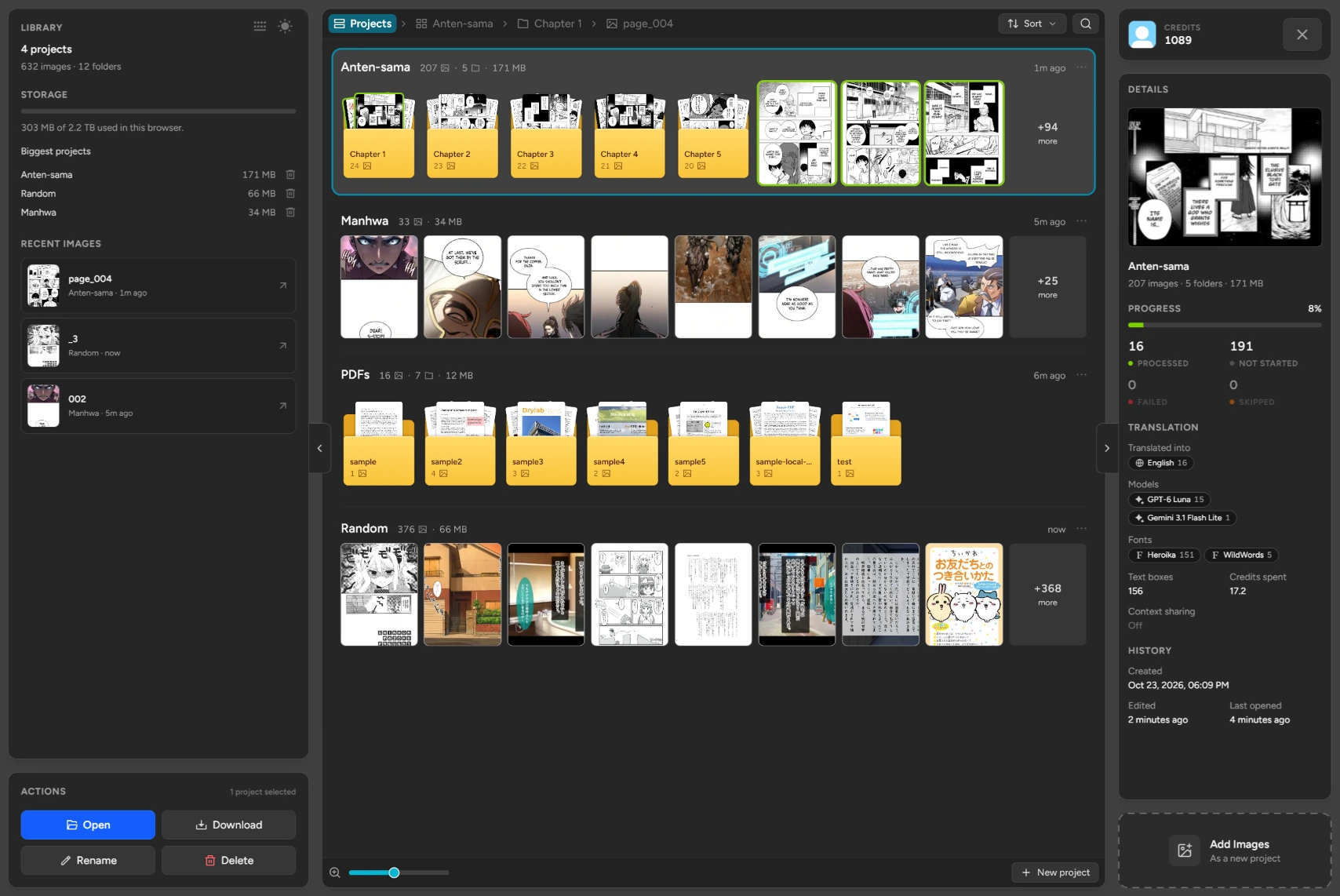
-
Every project
Each upload is kept as a project, with its folders and pages. Sort, search or start a new one.
-
Recent images
Pick up the image you were last working on.
-
Details
Progress, languages, models and credits spent, for whatever you select.
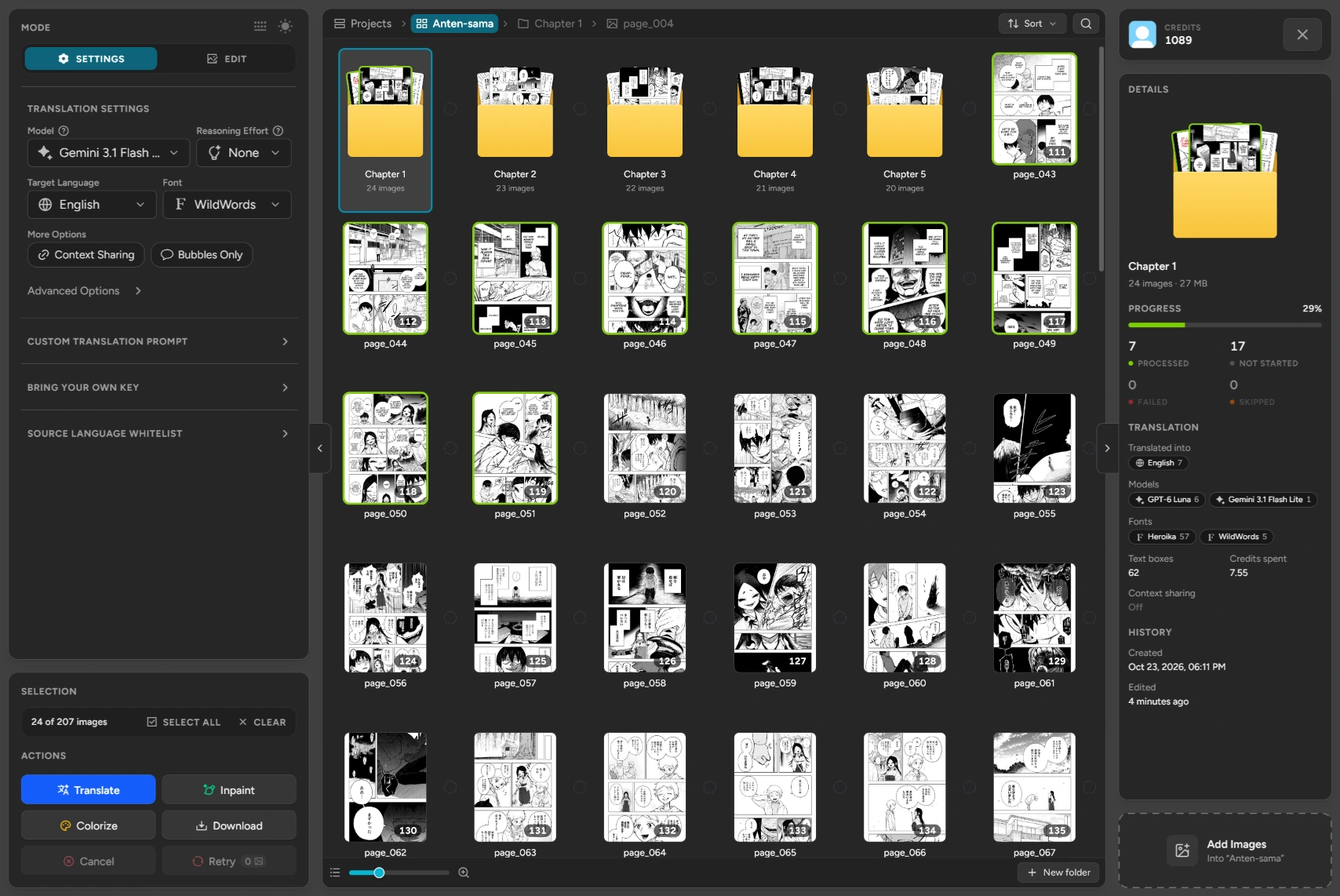
-
Folders and pages
Keep chapters in folders. A green frame means the page is done.
-
Translation settings
Choose the AI model, target language and font.
-
Select, then act
Pick a few pages, a folder or all of them, then translate, inpaint, colorize or download.
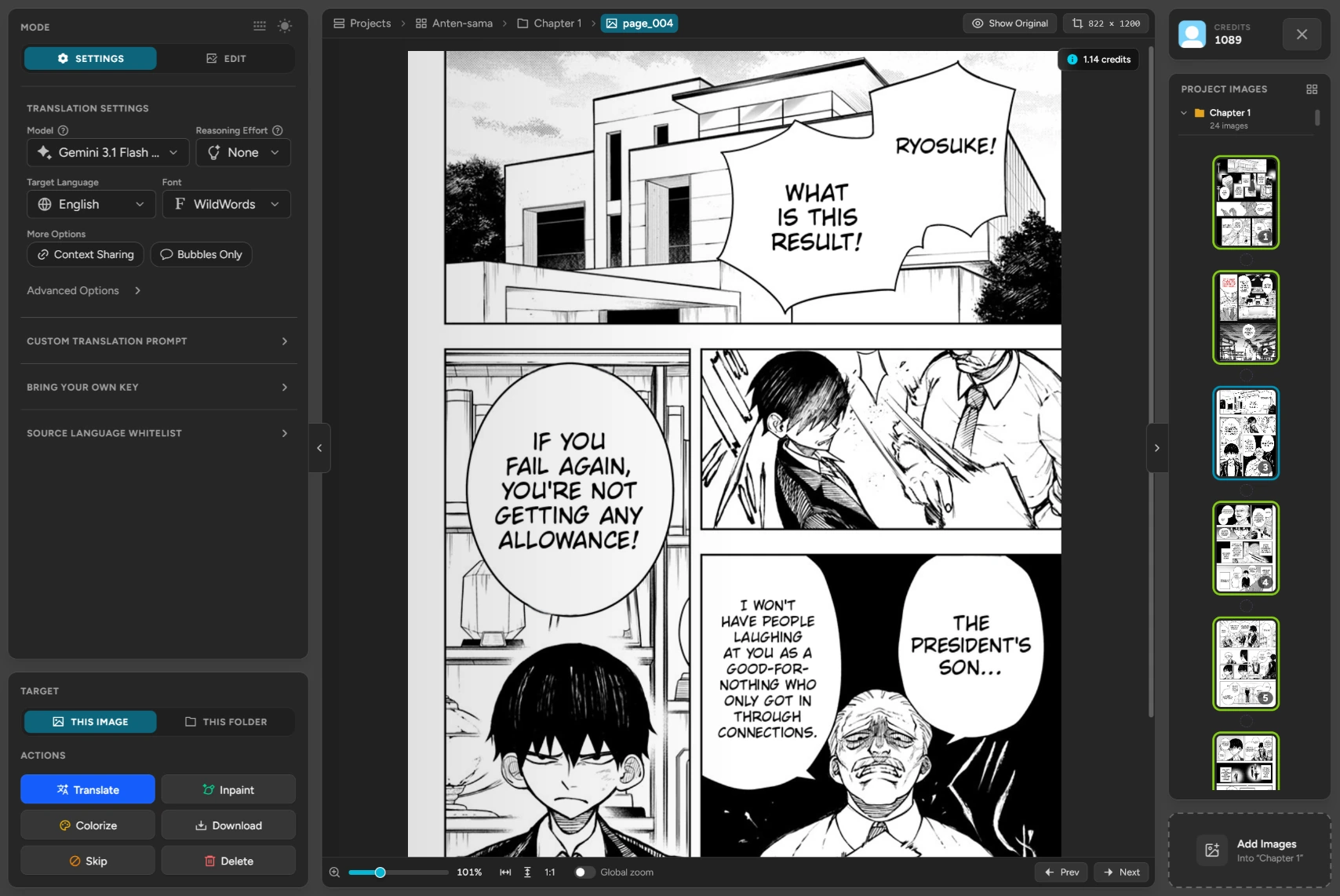
-
Your page
The page at full size. Show Original compares it with the source.
-
This image or this folder
Translate just this page, or every page in its folder.
-
The folder's pages
In order, one click away. Add more at any time.
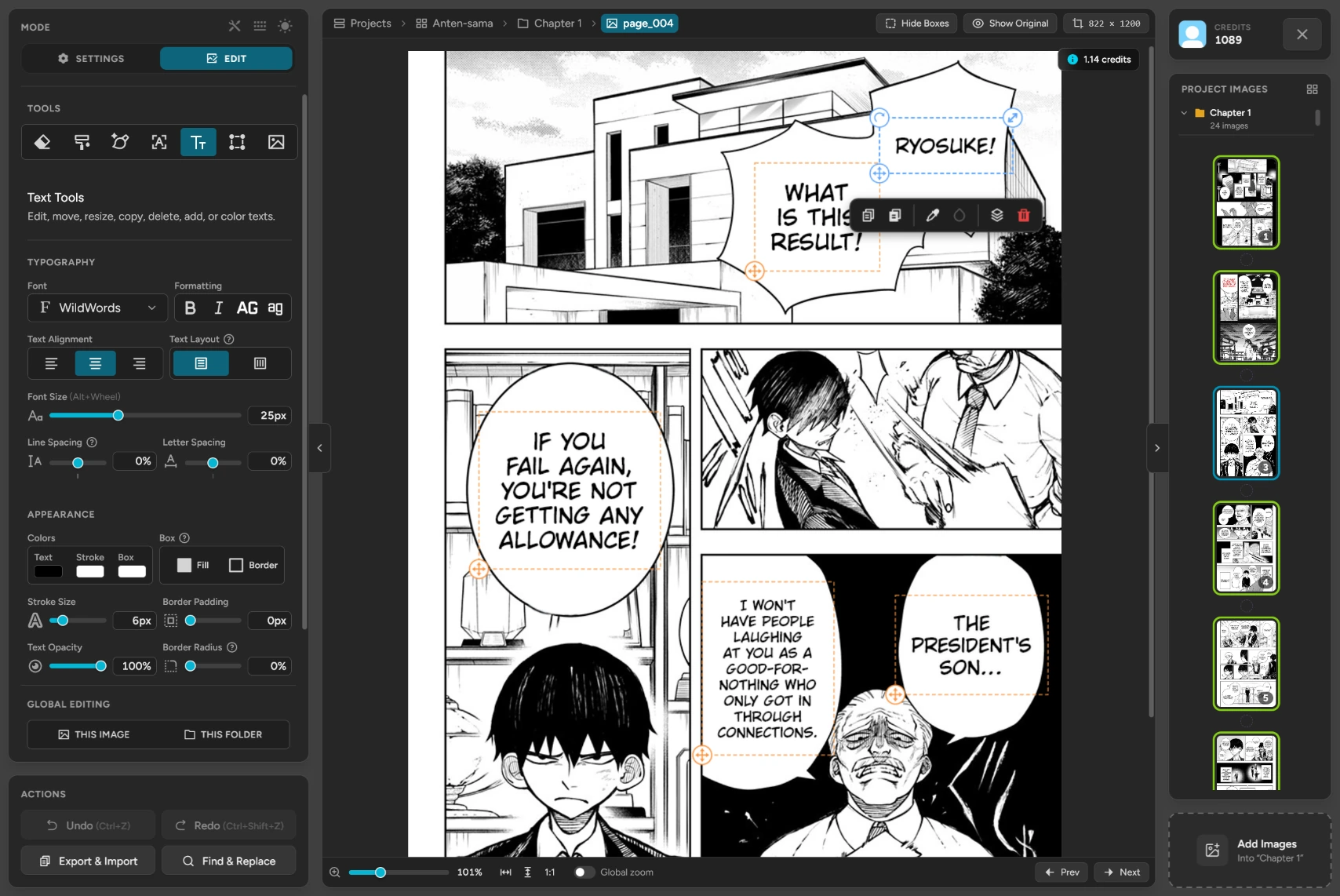
-
Tools
Erase, inpaint or paint the art, translate an area again, or add images.
-
Any bubble
Click a text to move, resize, recolor or delete it.
-
Every page at once
Restyle this image or the whole folder. Export texts, or find and replace them.
A manga image translator for your own files
Translate multiple images at once: bring pages from your computer or phone, and Torii translates, cleans and letters every one of them in the browser.
Translate every page in one click
Translate, clean or colorize everything you upload at once, then skip, retry or redo any page on its own.
Export and import texts
Export every original and translated line, polish it with your own AI or editor, then import it back into the same bubbles.
Edit any bubble yourself
Edit mode turns every translation into text you can rewrite, move, resize or restyle. Warp it, clean up the art, translate a missed area again, or style every page at once.
Custom prompts
Give the AI a glossary, a tone or rules for honorifics, and save prompts for each series. Context sharing keeps names the same from page to page.
Bring your own key
Use your own key from OpenRouter, Google, OpenAI, Anthropic, DeepSeek or xAI, and every image costs a flat 1 credit.
Save it and finish later
Every upload is saved as a project in this browser, with your translation history a click away. Download it as a Torii project file to back it up or move it to another device.
Supported formats
Upload pages in any of these, and download the translated chapter the way you need it.
Upload
Download
Frequently asked questions
About translating your own manga images.
How do I translate multiple images at once?
Upload all of them together, choose your target language and press Translate All. Every image is translated in one go, and you can clean or colorize them all the same way.
Can I edit the translations right on the page?
Yes, and this is where Torii stands out: most image translators hand you a finished picture, but in Edit mode every translated bubble stays a text box you can rewrite, move, resize or delete. Change its font, size, colours and outline, warp it, or restyle every page at once. You can also erase or inpaint leftover text, paint over the art, translate a missed area again and add your own images.
Can I translate a manga PDF or CBZ file?
Yes. Upload the PDF or CBZ, or a ZIP of pages, and each page becomes an image in the workspace, ready to translate. When you're done, download the result as a PDF again, or as separate images.
Can I edit the translations in my own editor or AI?
Yes. Export Texts saves every original and translated line to a text file, with page headers and numbers that say which text box each line belongs to. Edit the translations wherever you like, then Import Texts puts them back into the same bubbles. Lines you leave out stay as they were.
Can I save my progress and continue later?
Yes. Everything you upload is saved as a project in this browser while you work, so you can close the tab and pick up where you left off. To keep a backup, download it as a Torii project file and upload it again whenever you want to keep editing.
Where are my translated manga pages saved?
In this browser, on your own device. Each upload becomes a project with all its pages and translations, ready to reopen from this page. Clearing the browser's data or closing private browsing removes them, so download the ones you want to keep.
Can I continue a translation on another computer or phone?
Yes. Download the project as a Torii project file, then drop it into the upload box on the other device. It opens with every page, translation and edit just as you left it.
How do I keep many manga chapters organized?
Every upload becomes its own project, which you can rename, search and sort. Inside a project, group pages by chapter and see at a glance which ones are translated.
Is there a limit to how many pages I can store?
It depends on your browser and how much free space your device has. Torii shows how much space each project takes, so you can delete finished ones to make room.