Download for Windows
Compatible with Windows 10 and 11.
Download installer (.exe)Version 1.0.1 | ~100MB
Read your favorite visual novels in any language, translated as you play. Torii pulls dialogue straight from the game's memory, or reads it off the screen with AI OCR.
The same scene, before and after Torii.
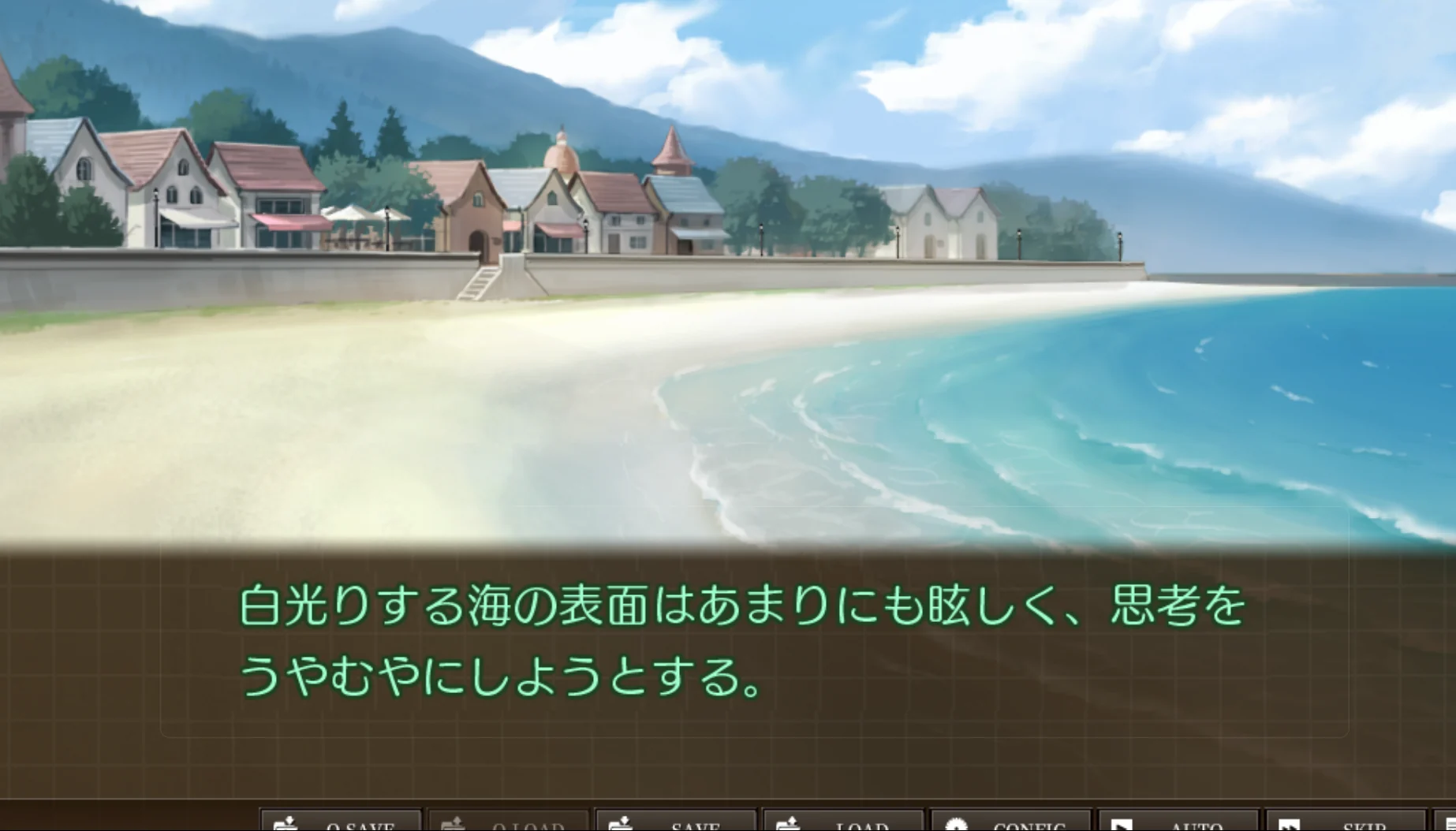
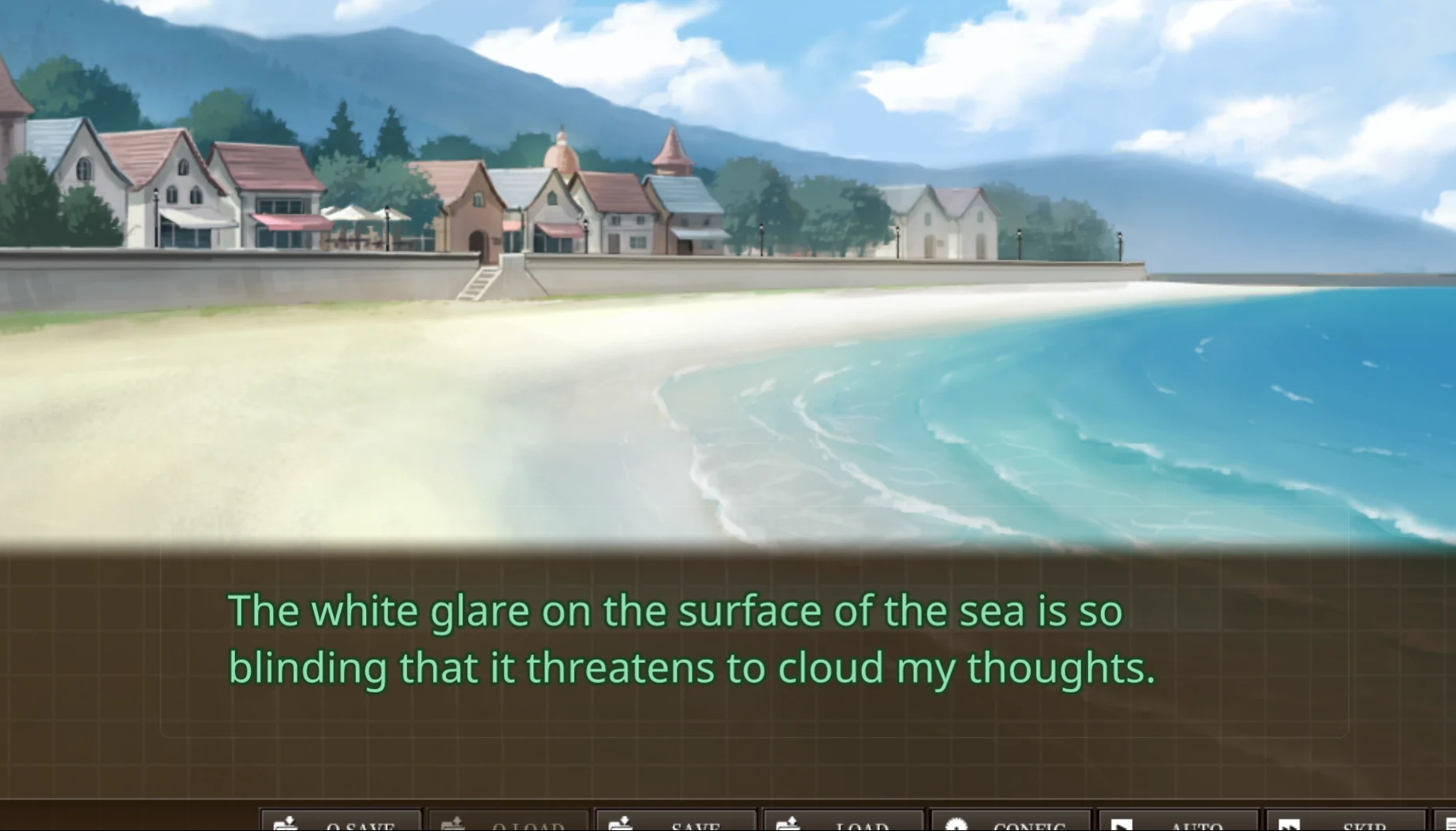
Hook straight into the game's memory, or let Torii read the screen.
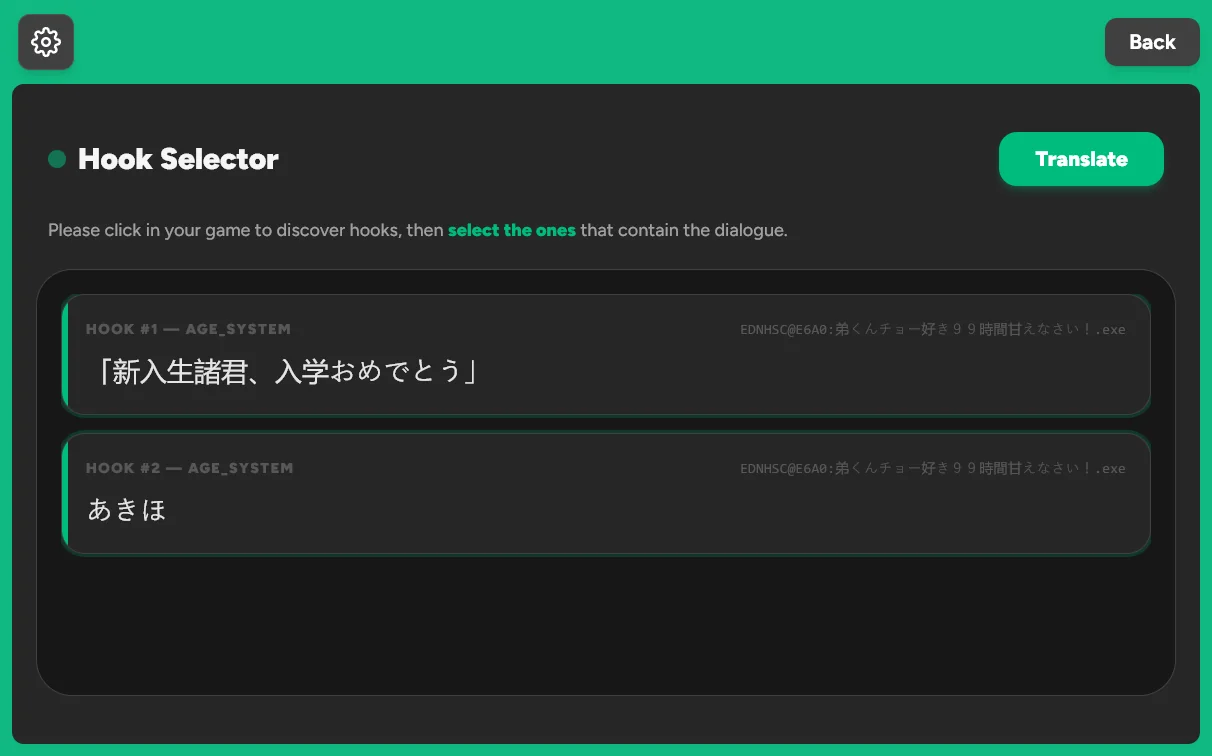
Torii connects to the game's memory and reads the text at the source, so translations appear the moment the dialogue does. Works with popular Japanese engines and Ren'Py games.
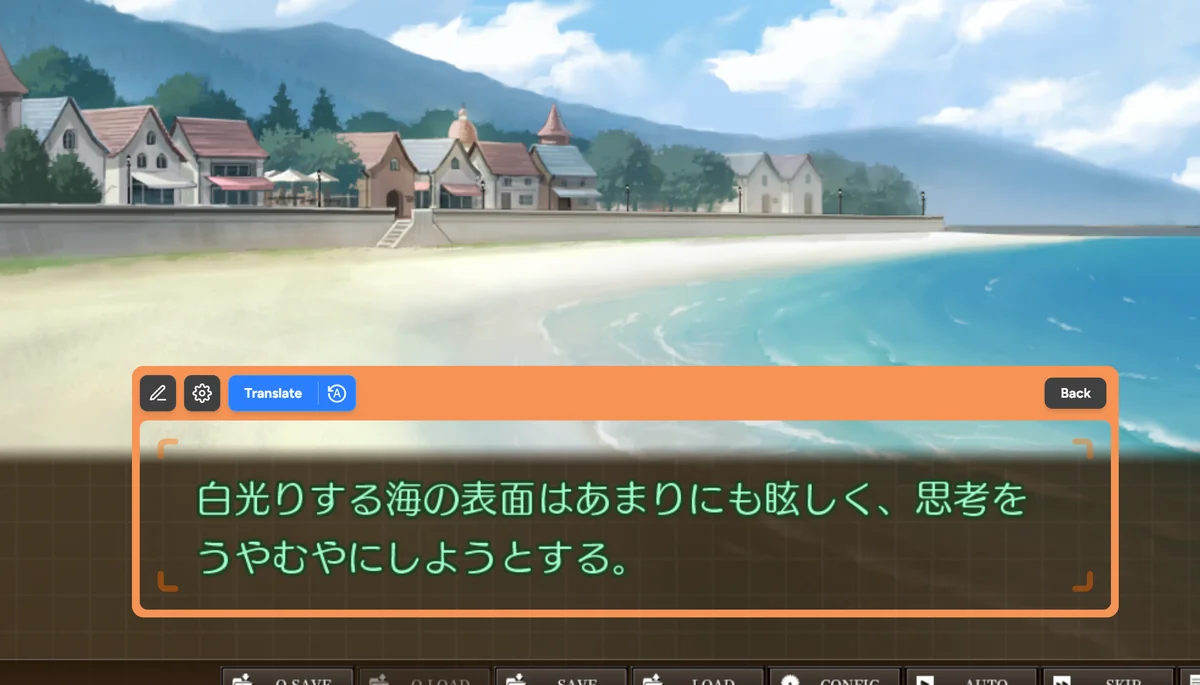
Place Torii's window over the dialogue box and it reads the text off the screen, powered by the Torii Image Translator. Its orange border only shows on hover, so it stays out of your way.
The image overlay uses AI inpainting to paint the translation into the game's artwork, with no box around it. The text overlay shows it in a clean floating window instead, and works in both hook and OCR mode.
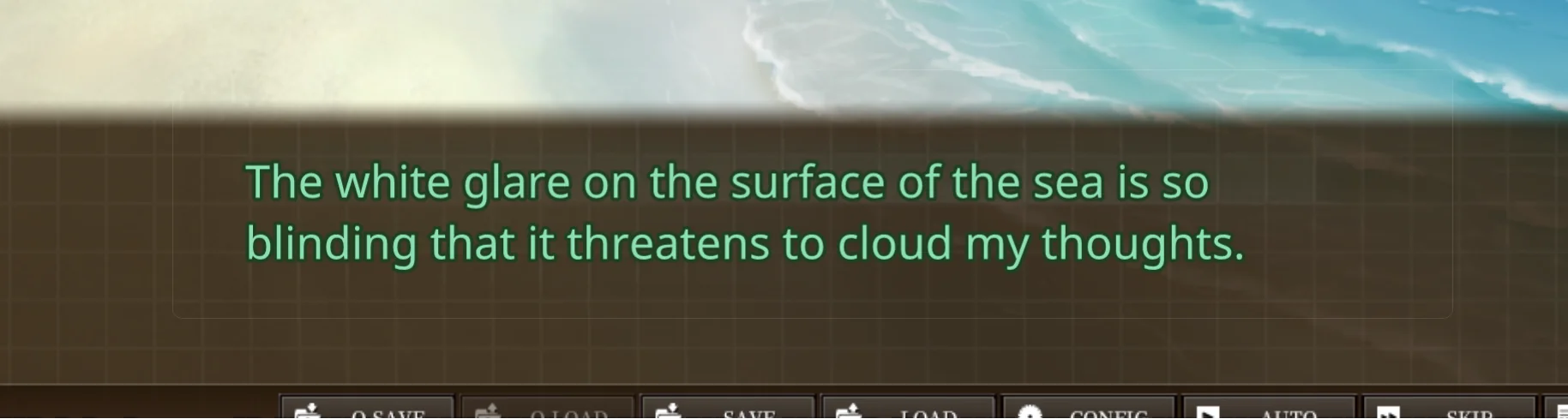
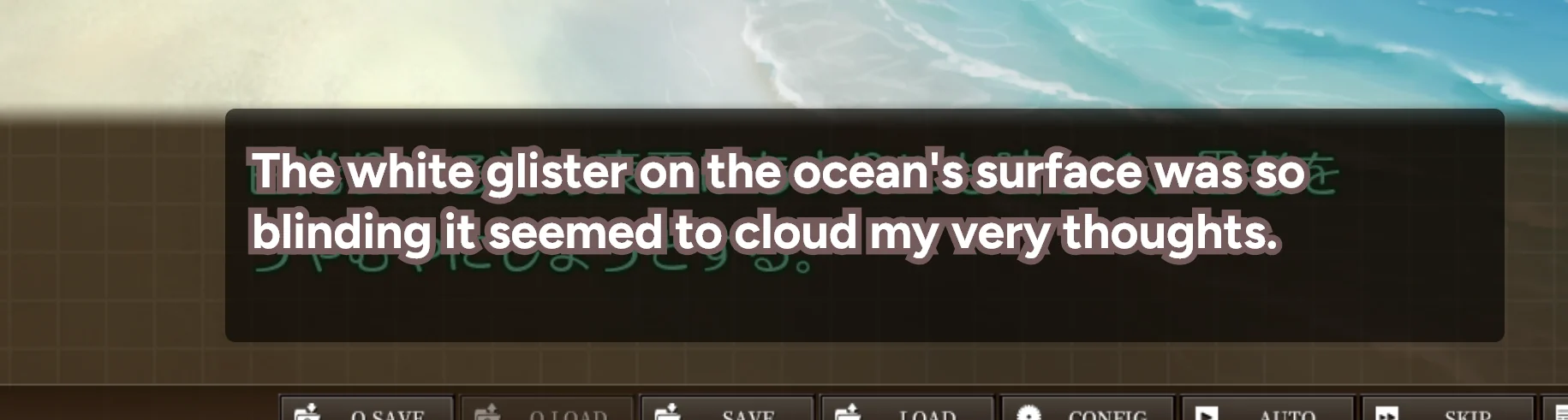
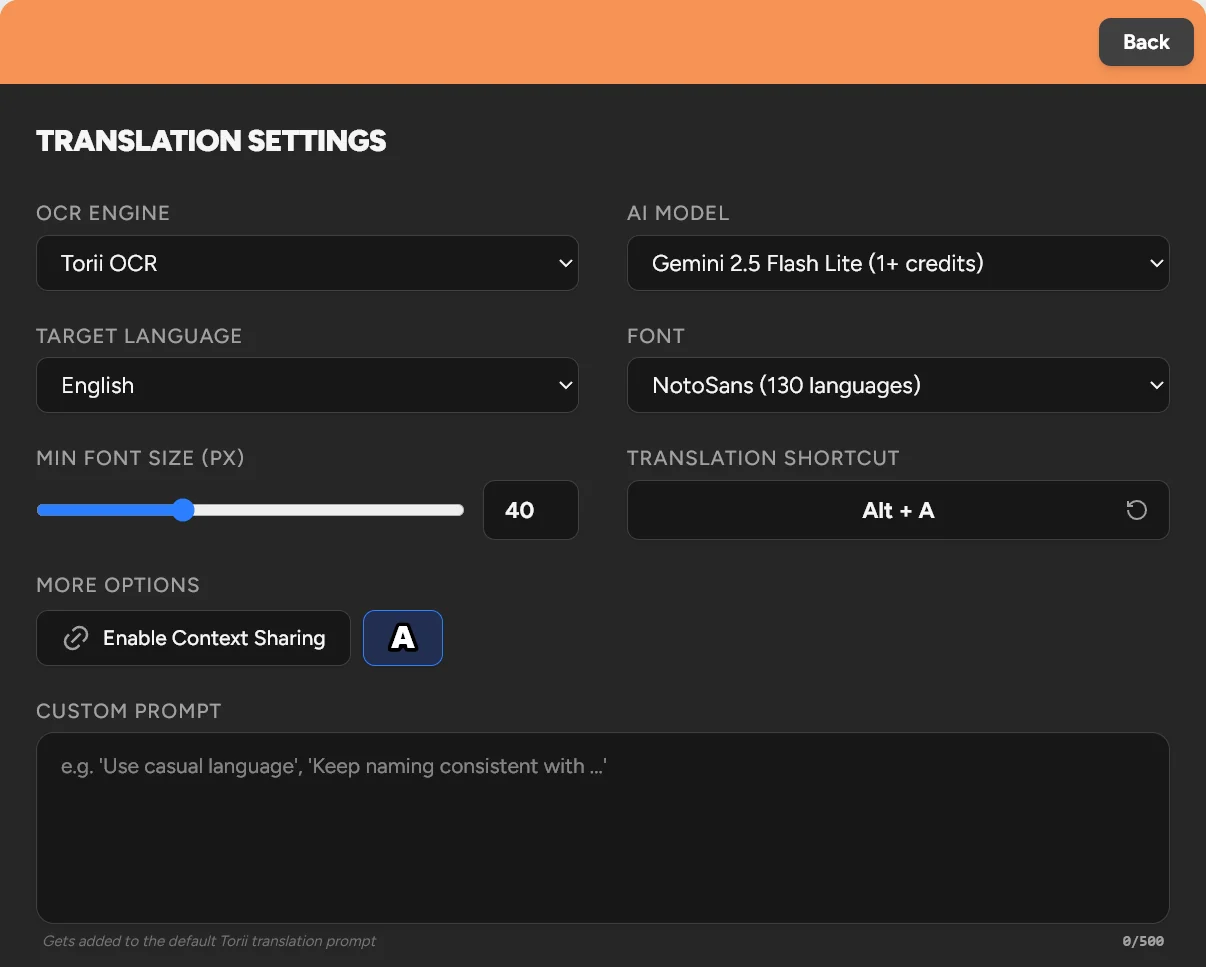
Fine-tune every translation to the game you're playing.
Pick the AI model and OCR engine that suit the game, from fast and cheap to the most capable.
Torii detects the game's language on its own. You just pick the one you want to read in.
Guide the translation with your own instructions, like a tone to keep or names to leave as they are.
Keeps names and character voices consistent across a whole playthrough.
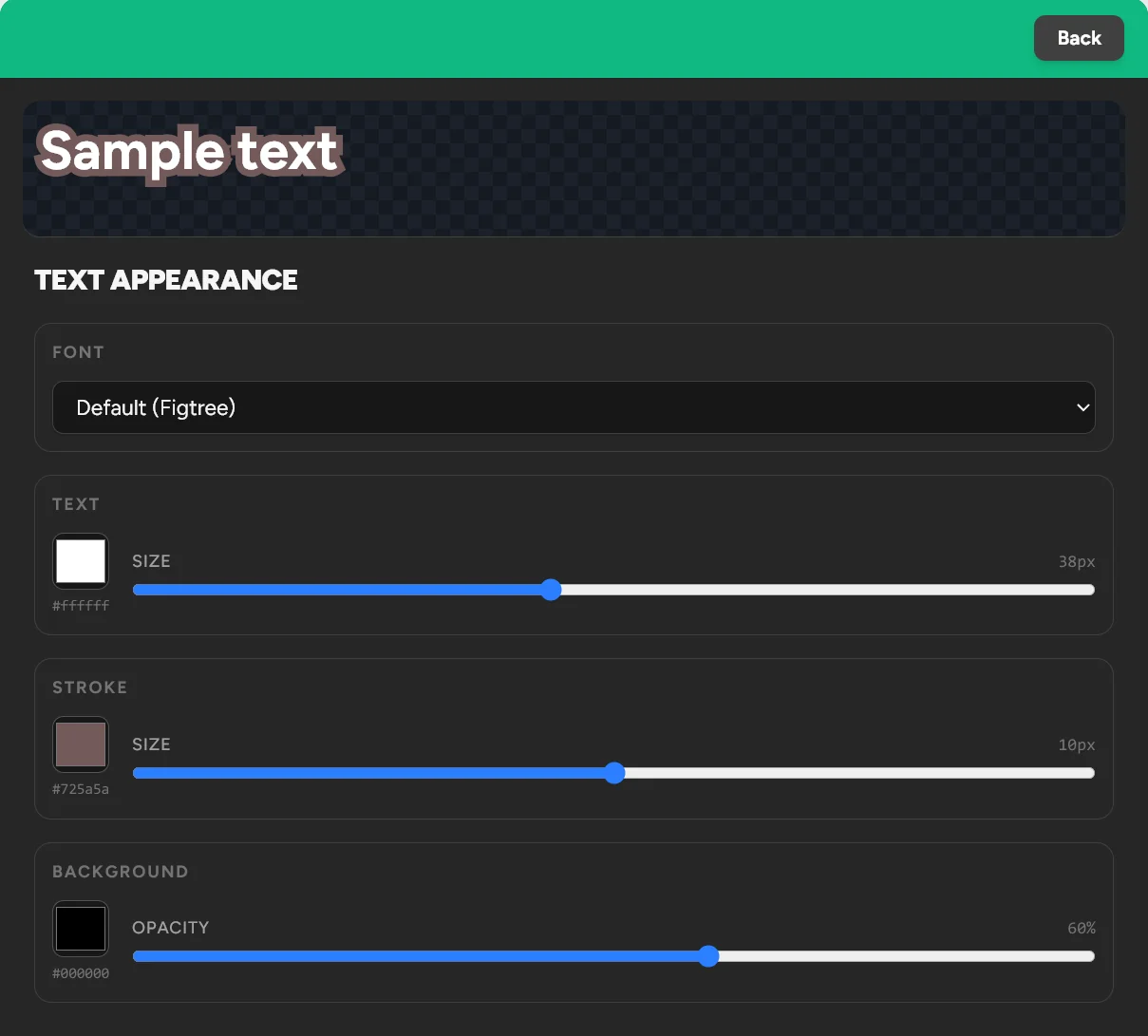
Font, size, color, stroke and background opacity, to match any game's look.
Turn it on and every new line is translated the moment it appears, so you just keep reading.


Download the latest version for Windows and have fun finally understanding dialogue.
Compatible with Windows 10 and 11.
Download installer (.exe)Version 1.0.1 | ~100MB
Torii is a new app without an expensive Microsoft certificate, so Windows SmartScreen may show a warning. That's normal, and the app is safe to use.
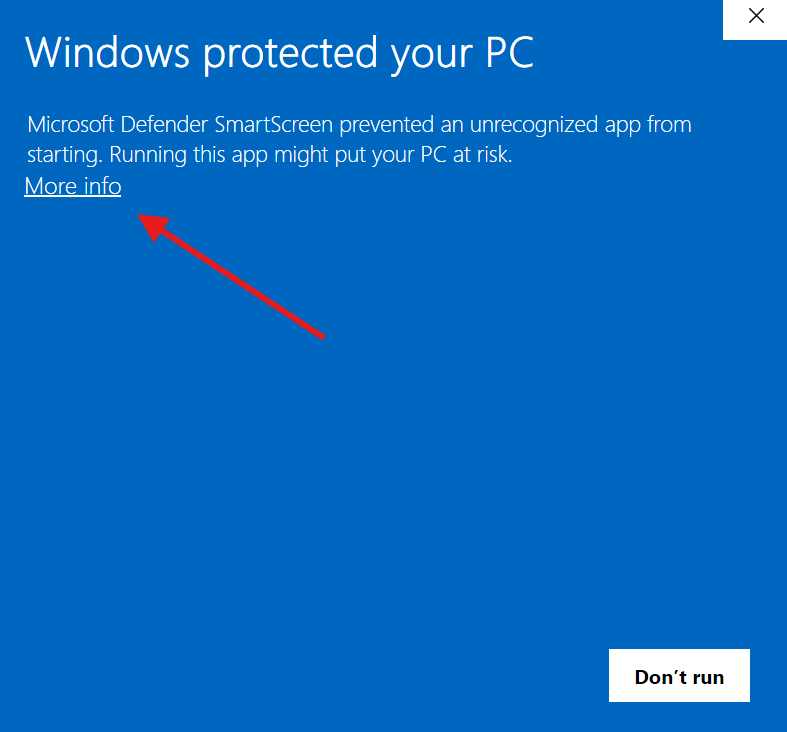
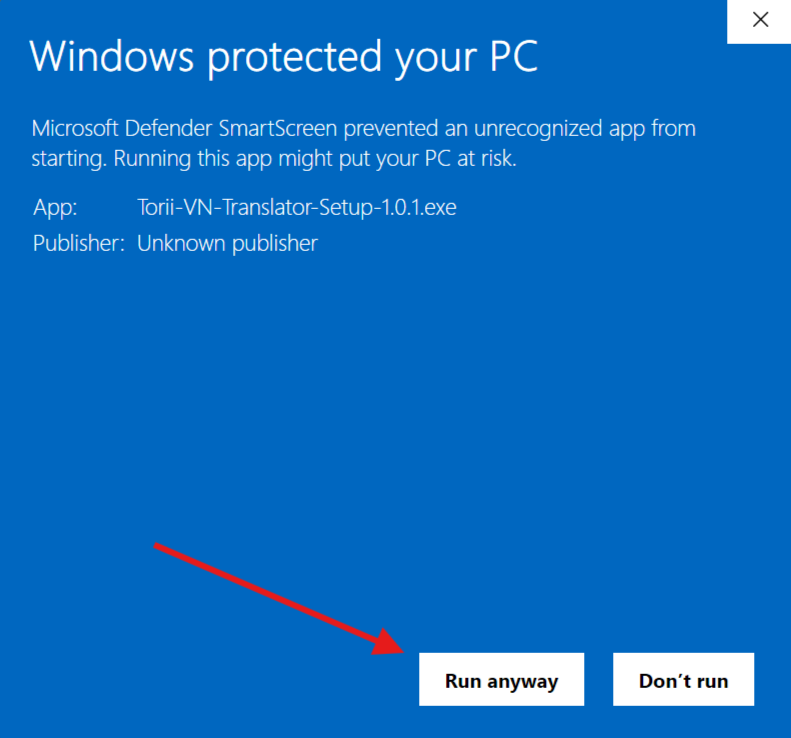
Download didn't start? Click here to retry
The same translation engine behind the extension and the desktop app, ready for your own projects.